
Business Automation With n8n, Zapier, and Make: How to Save Time and Manage Leads Better
Business automation is not only about saving a few minutes on repetitive tasks. When it is planned correctly, it helps a company respond faster, manage leads more clearly, reduce missed follow-ups, and keep daily operations visible.
For many teams, the problem starts after a form is submitted or an ad campaign generates a new lead. The lead arrives somewhere, someone needs to copy it, someone needs to notify the right person, and someone needs to update a spreadsheet, CRM, or report. That is exactly where tools like n8n, Zapier, and Make can help.
What Business Automation Actually Means
Business automation connects the tools your team already uses so information moves without manual work.
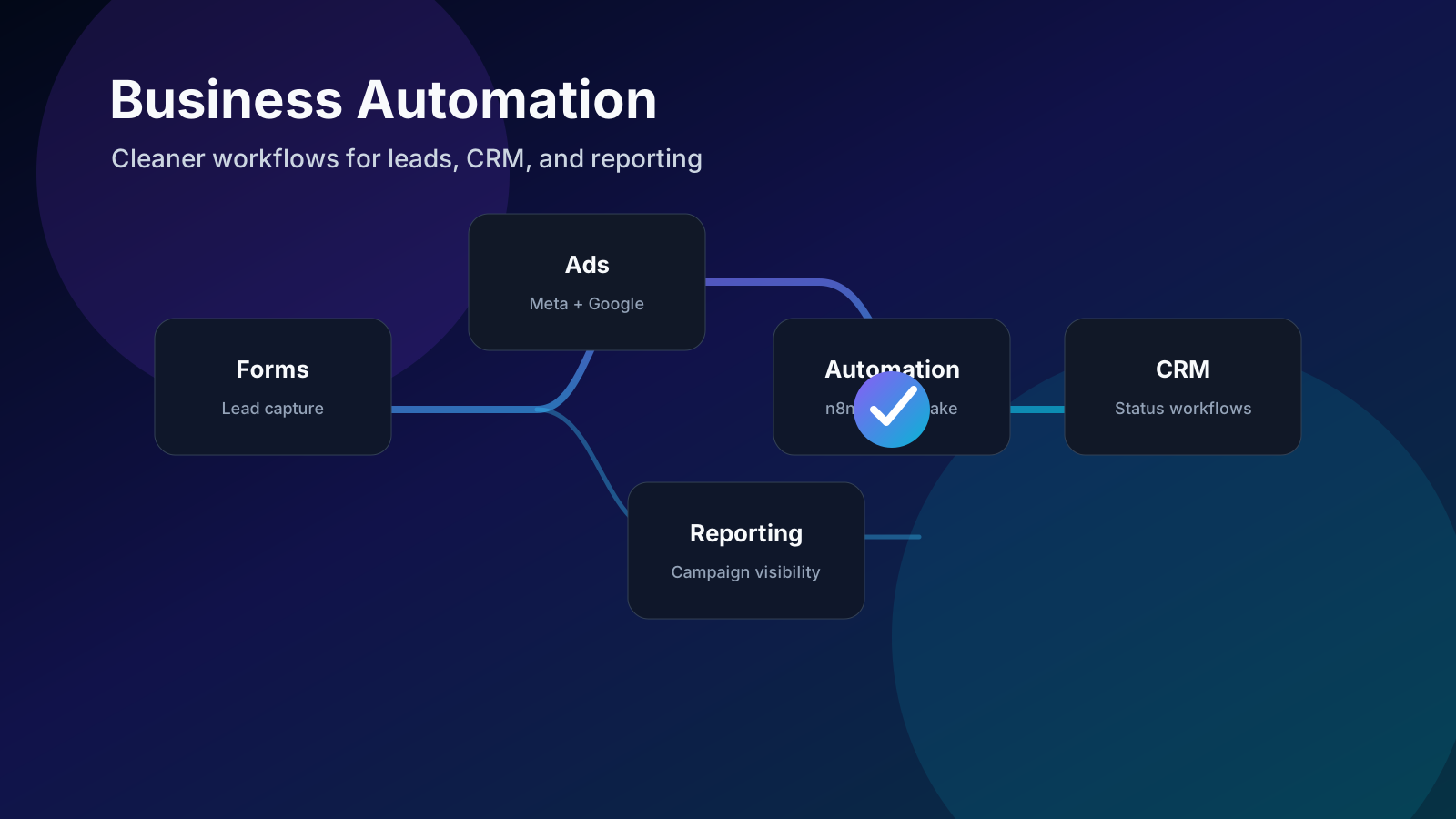
Instead of copying a lead from a website form into a spreadsheet, sending a message manually, and then updating the CRM later, an automation can do the same flow instantly:
- Capture the lead from a website form or landing page.
- Send the lead to a CRM or lead management system.
- Notify the sales, clinic, support, or operations team.
- Add campaign and source information for tracking.
- Create a task or appointment follow-up.
- Update reporting dashboards.
The goal is not to replace the team. The goal is to remove repetitive work so the team can focus on conversations, decisions, and customer experience.
Where n8n, Zapier, and Make Fit
n8n, Zapier, and Make are automation platforms. They connect apps, webhooks, forms, CRMs, spreadsheets, email tools, and APIs.
Each platform has its own strengths:
- n8n is powerful for custom workflows, API logic, private hosting, and advanced automation.
- Zapier is useful for simple app-to-app workflows and quick setup.
- Make is strong for visual workflow building, routing, and multi-step operations.
The right choice depends on the workflow, data sensitivity, budget, and how much customization your business needs.
The Most Valuable Automation Use Cases
Automation works best when it solves a real operational problem. These are some of the highest-impact use cases for service businesses, clinics, agencies, and growing teams.
Lead Capture and Routing
When a lead comes from a website form, Meta Ads, Google Ads, WhatsApp, or a landing page, automation can send it to the correct place immediately.
A good lead routing flow can:
- Save the lead in the CRM.
- Assign it to the right person.
- Add source, campaign, and service interest.
- Send an internal notification.
- Trigger a follow-up task.
This makes response time faster and reduces the chance that a lead gets lost.
CRM Workflow Automation
CRM automation helps teams manage the status of each lead or client. For example, a lead can move from New Lead to Contacted, Appointment Booked, No Answer, Won, or Lost.
Automation can support those workflows by:
- Creating tasks when a status changes.
- Sending reminders for follow-up.
- Updating dashboards.
- Logging source and conversion data.
- Connecting appointment information with the client record.
This is especially useful for teams that handle many enquiries every day.
Meta and Google Reporting
Marketing reports are often built manually from multiple places. One person checks Meta Ads, another checks Google Ads, and someone else updates a spreadsheet.
Automation can collect campaign data, form data, and CRM status updates into one reporting flow. This helps teams see which sources are generating leads, which leads are converting, and where follow-up is needed.
Appointment and Notification Workflows
For clinics, consultants, and service businesses, appointment workflows can become messy when they rely only on manual messages.
Automation can help with:
- New appointment notifications.
- Internal reminders.
- Calendar updates.
- Lead status changes.
- Follow-up tasks after missed calls or no-show appointments.
This creates a smoother process for both the business and the customer.
What Makes an Automation Workflow Good
A good automation workflow should be clear, reliable, and easy to maintain. It should not feel like a hidden system that nobody understands.
Before building, define:
- What starts the workflow.
- Which data fields are required.
- Where the data should go.
- Who needs to be notified.
- What should happen if something fails.
- How the team will check results.
The best automation is usually simple at the beginning. Once the core process works, more steps can be added carefully.
Common Mistakes to Avoid
Many businesses start automation by connecting tools too quickly. The workflow may work for a few days, but then it breaks when a form field changes, a team member leaves, or a new campaign is launched.
Avoid these mistakes:
- Building automations without mapping the real workflow first.
- Sending leads to too many places.
- Forgetting source and campaign tracking.
- Not creating error alerts.
- Not documenting how the workflow works.
- Automating a broken process instead of improving it first.
Automation should make operations clearer, not more confusing.
How Pixevo Builds Automation Systems
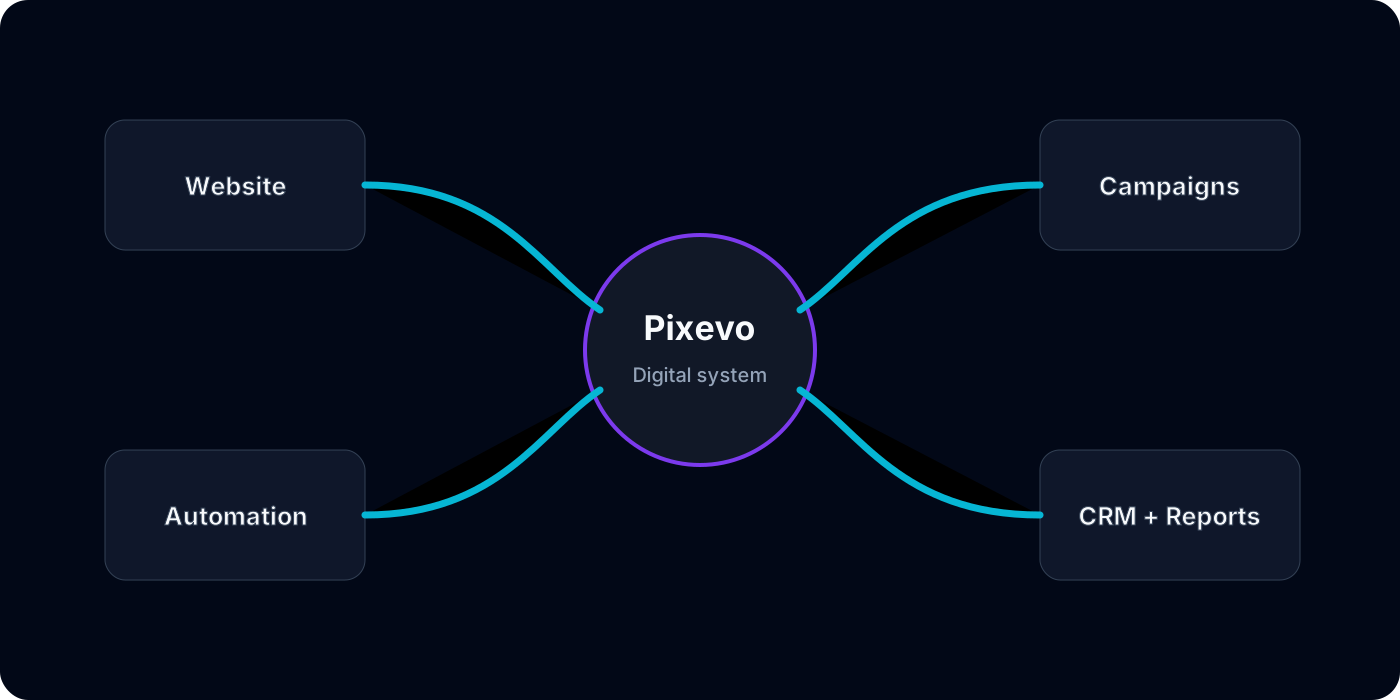
At Pixevo, we start by understanding the business workflow before choosing the tool. Sometimes Zapier is enough. Sometimes Make is the right option. Sometimes a custom n8n workflow or direct API integration is better.
We focus on practical business outcomes:
- Better lead management.
- Clearer CRM workflows.
- Faster team notifications.
- Cleaner reporting.
- Less manual data entry.
- More reliable daily operations.
You can explore our Workflow Automation service to see how we structure automation projects.
Final Thoughts
Business automation works best when it is connected to real operations: leads, appointments, statuses, reporting, notifications, and follow-up.
If your team is copying data between tools, missing follow-ups, or struggling to see what happens after a lead arrives, automation can create a cleaner and faster workflow.
The right automation setup should feel simple for the team using it every day.